Do I need a new TV?
Answer five questions and get an honest verdict based on your current display and priorities.
Read the guide →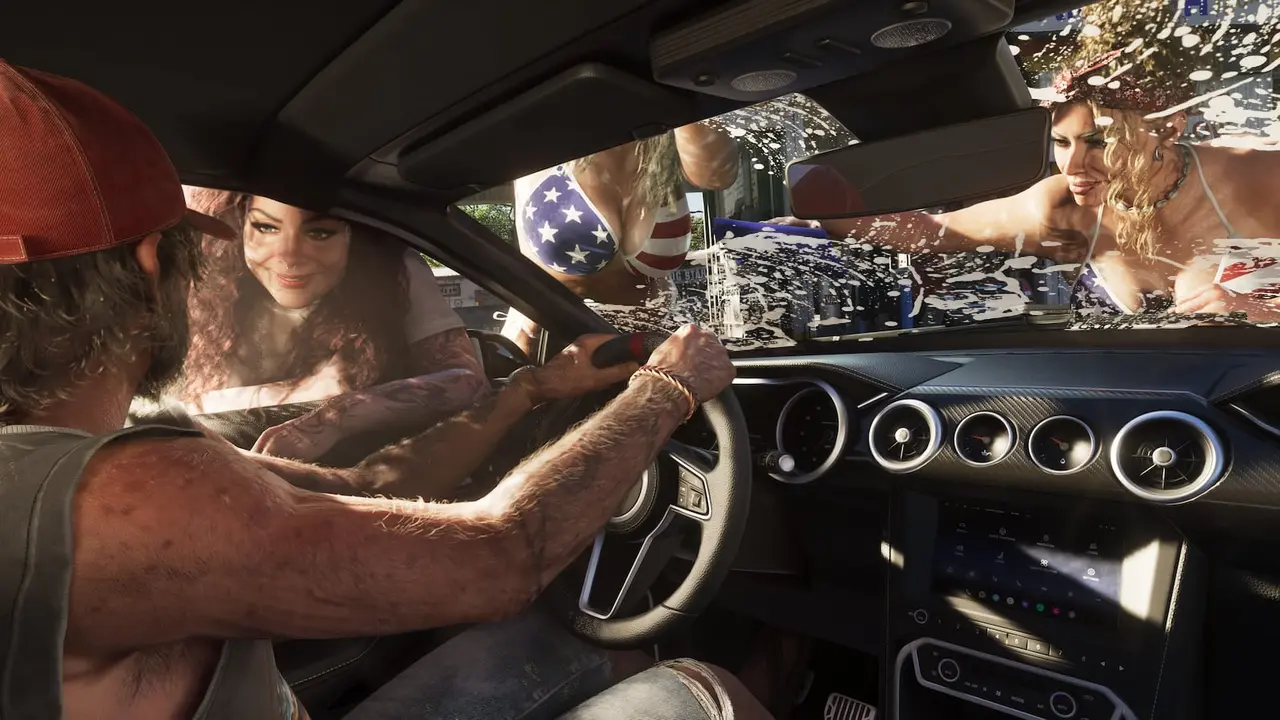 LAUNCHREADY // OFFICIAL GTA VI SCREENSHOTBUILD YOUR SETUPImage source: Rockstar Games ↗
Start with the equipment you already own. Upgrade only when a specific feature will improve your whole console experience—not because of launch hype.
Answer five questions and get an honest verdict based on your current display and priorities.
Read the guide →Compare Sony’s official Black and White DualSense editions, the $84.99 price and current retailer availability.
Read the guide →Choose a supported console using your existing games, budget and preferences—not unconfirmed performance claims.
Read the guide →See which GTA VI platforms are announced and check your old games, discs and total cost before upgrading.
Read the guide →See why most PS5 owners should wait before upgrading solely for GTA VI.
Read the guide →Compare the officially supported Xbox consoles around display, discs and budget.
Read the guide →4K, HDR, game mode, VRR and 120Hz explained—plus what you can safely skip.
Read the guide →Choose comfortable audio that works with your console without paying for meaningless marketing.
Read the guide →Know when to wait, what storage works, and why no one should claim an exact GTA VI size yet.
Read the guide →These Amazon searches are starting points, not ranked recommendations. Check the guide and verify console compatibility first.
Affiliate disclosure: As an Amazon Associate I earn from qualifying purchases. Links open Amazon.com US; Amazon may offer to switch international visitors to a local store. Verify the current product, seller, price and availability on Amazon before buying.